This chapter describes and explains how the Toolbox menu works. Figure 1 shows the Toolbox menu with the individual objects. The content of the toolbox depends on the connected model.
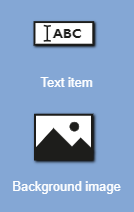
Figure 1 - Toolbox
In the app settings the position of the toolbox can be changed.
© SimPlan AG - Hanau District Court, Commercial Register (Part B) 6845 - info@simplan.de - www.simplan.de